Age of AI Toolsv2.beta
For YouJobsUse Cases
Media-HubNEW

Join Our Community

Get the earliest access to hand-picked content weekly for free.

Spam-free guaranteed! Only insights.
Join Our Community

Get the earliest access to hand-picked content weekly for free.

Spam-free guaranteed! Only insights.

Trusted by Leading Review and Discovery Websites

Age of AI Tools on Product HuntApproved on SaaSHubAlternativeTo
AI Tools
  • For You!
  • Discover All AI Tools
  • Best AI Tools
  • Free AI Tools
  • Tools of the DayNEW
  • All Use Cases
  • All Jobs
Trend UseCases
  • AI Image Generators
  • AI Video Generators
  • AI Voice Generators
Trend Jobs
  • Graphic Designer
  • SEO Specialist
  • Email Marketing Specialist
Media Hub
  • Go to Media Hub
  • AI News
  • AI Tools Spotlights
Age of AI Tools
  • What's New
  • Story of Age of AI Tools
  • Cookies & Privacy
  • Terms & Conditions
  • Request Update
  • Bug Report
  • Contact Us
Submit & Advertise
  • Submit AI Tool
  • Promote Your Tool50% Off

Agent of AI Age

Looking to discover new AI tools? Just ask our AI Agent

Copyright © 2026 Age of AI Tools. All Rights Reserved.

Media HubTools SpotlightOpenAI Codex Chrome Extension Review
10 May 20268 min read

OpenAI Codex Chrome Extension Review

OpenAI Codex Chrome Extension Review

🎯 Quick Impact Summary

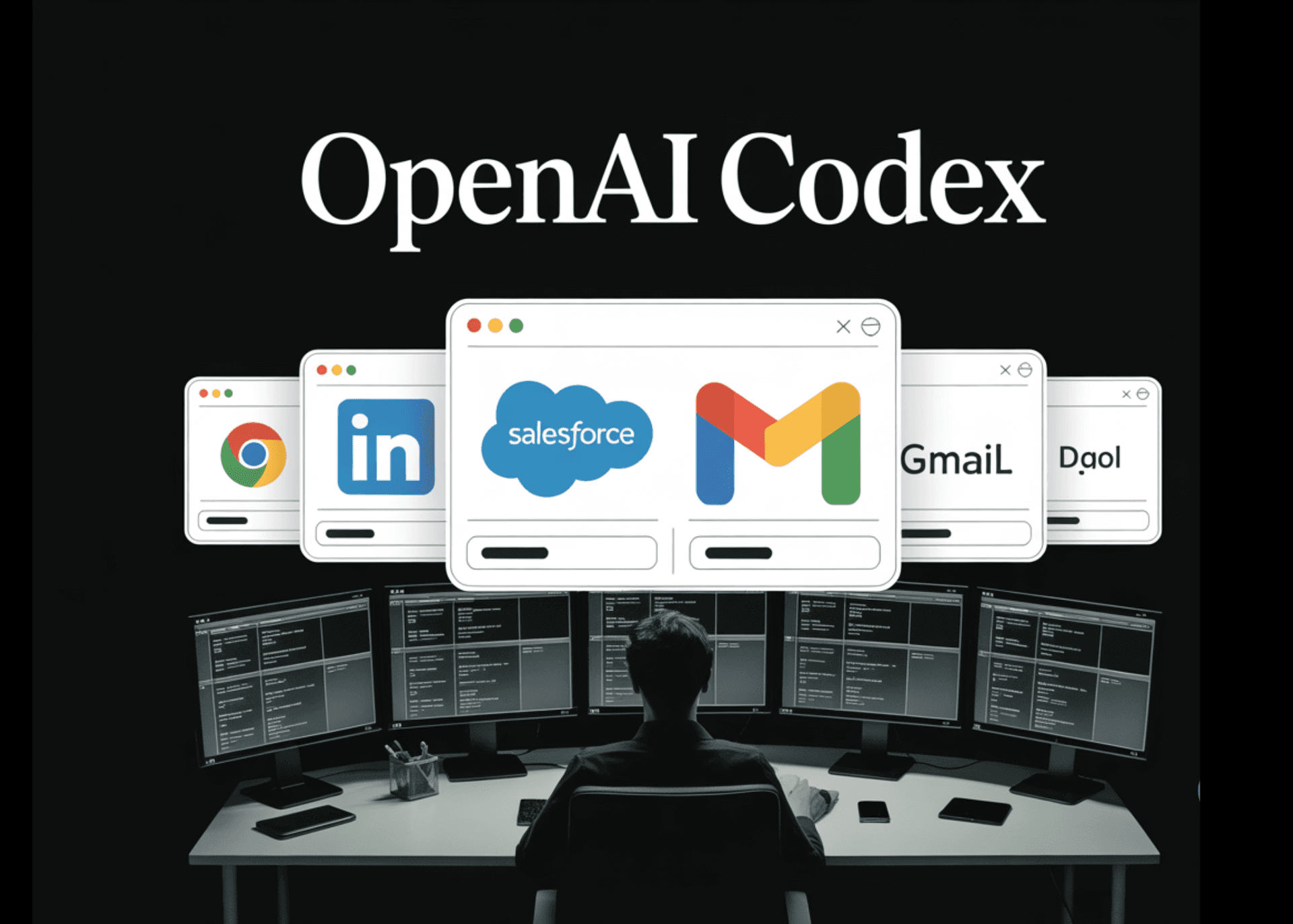
OpenAI's new Chrome extension for Codex marks a significant shift in AI agent capabilities, enabling the coding agent to move beyond isolated code generation into real-world browser automation. By granting Codex access to signed-in sessions across LinkedIn, Salesforce, Gmail, and internal tools, OpenAI has created a bridge between AI coding and practical business workflows. This release transforms Codex from a development-only tool into a versatile automation engine capable of handling complex, multi-step tasks across web applications.

What's New in OpenAI Codex Chrome Extension

OpenAI's Chrome extension fundamentally expands Codex's reach beyond code editing into real-world browser automation. The extension enables direct interaction with web applications while maintaining security through signed-in sessions.

  • Browser-based task completion: Codex can now complete workflows directly inside Chrome on macOS and Windows, automating repetitive browser interactions without leaving the application.
  • Signed-in session access: The extension preserves authentication, allowing Codex to interact with LinkedIn, Salesforce, Gmail, and proprietary internal tools as if a human user were operating them.
  • Chrome DevTools integration: Developers can inspect and debug Codex's browser interactions using Chrome's native developer tools, providing transparency into how the AI navigates web interfaces.
  • Multi-step workflow automation: Codex can now execute complex sequences across multiple browser tabs, handling tasks that require navigation, data entry, and cross-application coordination.
  • Cross-platform availability: The extension works on both macOS and Windows, ensuring broad accessibility for development teams regardless of operating system preference.

Technical Specifications

The Chrome extension architecture enables Codex to operate as a true browser automation agent while maintaining security and performance standards.

  • Platform support: Compatible with Chrome on macOS and Windows, with extension-based architecture for seamless browser integration.
  • Authentication handling: Maintains user session cookies and authentication tokens, allowing Codex to access password-protected applications without credential exposure.
  • DevTools compatibility: Integrates with Chrome DevTools for real-time inspection, debugging, and monitoring of Codex's browser interactions and DOM manipulation.
  • Multi-tab coordination: Supports simultaneous operations across multiple browser tabs, enabling complex workflows that require context switching and data transfer between applications.
  • API integration: Works with web-based APIs and internal tools accessible through browser interfaces, expanding automation possibilities beyond traditional REST endpoints.

Official Benefits

  • Eliminates manual data entry: Codex automates repetitive browser tasks like form filling, data extraction, and cross-application data synchronization, reducing human time spent on administrative work.
  • Enables complex workflow automation: Multi-step processes that previously required manual intervention or custom scripts can now be automated through natural language instructions to Codex.
  • Maintains security through authentication: By leveraging existing signed-in sessions, the extension avoids storing credentials while granting Codex access to sensitive business applications.
  • Accelerates business process automation: Teams can automate LinkedIn outreach, Salesforce updates, email workflows, and internal tool interactions without building custom integrations.
  • Reduces development overhead: Non-technical users can describe browser workflows in plain language, and Codex handles the automation logic without requiring custom code.

Real-World Translation

What Each Feature Actually Means:

  • Browser-based task completion: Instead of writing scripts to automate browser tasks, you describe what you want done in plain language, and Codex handles clicking, typing, and navigating. For example, you could say "update all leads in Salesforce marked as 'contacted' to 'qualified'" and Codex performs the clicks and data entry automatically.
  • Signed-in session access: You don't need to hardcode passwords or API keys into automation scripts. Codex uses your existing logged-in sessions, so it can access Gmail, LinkedIn, or your company's internal tools exactly as you would, with full permission levels and data access.
  • Chrome DevTools integration: When Codex makes a mistake or behaves unexpectedly, you can inspect exactly what it's doing by opening DevTools, seeing which elements it's clicking, and understanding why it took a particular action.
  • Multi-step workflow automation: Complex business processes that span multiple applications become automatable. A recruiter could have Codex search LinkedIn for candidates, extract their profiles, update a spreadsheet, and send templated emails—all in one continuous workflow.
  • Cross-platform availability: Whether your team uses Macs or Windows machines, everyone can access the same Codex automation capabilities through the Chrome extension, eliminating platform-specific workarounds.

Before vs After

Before

Automating browser-based tasks required writing custom scripts, using separate RPA tools, or manually performing repetitive actions across web applications. Developers had to choose between building custom integrations for each tool or accepting manual workflows. Security concerns around credential storage made automation risky for sensitive applications.

After

Codex now automates browser workflows through natural language instructions, accessing applications through existing signed-in sessions without credential exposure. Complex multi-step processes across LinkedIn, Salesforce, Gmail, and internal tools can be automated without custom code. Teams can describe what they want automated in plain English, and Codex handles the technical execution.

📈 Expected Impact: Organizations can reduce manual browser-based task time by 50-80% while maintaining security through authenticated session access.

Job Relevance Analysis

AI Researcher

HIGH Impact
  • Use Case: AI researchers can use Codex's browser automation capabilities to conduct large-scale studies on web application behavior, scrape data from multiple sources simultaneously, and test AI agent decision-making across real-world interfaces.
  • Key Benefit: The extension provides a practical testbed for studying how AI agents interact with complex, real-world systems beyond controlled environments, generating valuable research data on agent reliability and decision patterns.
  • Workflow Integration: Researchers can design experiments where Codex automates specific workflows, then analyze DevTools logs to understand decision-making processes, error patterns, and optimization opportunities.
  • Skill Development: Working with Codex's browser automation deepens understanding of how AI agents translate natural language into concrete actions, bridging the gap between language models and practical automation.
  • Research Applications: Enables studies on AI agent robustness, cross-application coordination, error recovery, and human-AI collaboration in real business contexts.
AI Researcher

Advance innovation with AI tools for academic research, data analysis, knowledge representation, decision-making, and AI-powered chatbots.

6,692 Tools
AI Researcher

Automation Engineer

HIGH Impact
  • Use Case: Automation engineers can replace manual RPA tool configuration with natural language instructions to Codex, automating complex workflows across LinkedIn, Salesforce, Gmail, and internal tools without writing custom code.
  • Key Benefit: Dramatically reduces development time for browser automation projects—what previously took days of script writing and testing can now be accomplished through conversational instructions to Codex.
  • Workflow Integration: Engineers can describe desired automation in plain language, let Codex handle the browser interaction logic, then use DevTools to inspect and refine the automation as needed.
  • Skill Development: Shifts automation engineering from low-level script writing toward higher-level workflow design and AI prompt engineering, requiring new skills in directing AI agents effectively.
  • Practical Scenarios: An engineer could automate a 20-step Salesforce data migration, LinkedIn recruiter outreach sequence, or multi-application expense report workflow without writing a single line of code.
Automation Engineer

Increase your productivity with these AI solutions for automation, quality assurance, integration, collaboration, and code creation.

5,288 Tools
Automation Engineer

Data Scientist

MEDIUM Impact
  • Use Case: Data scientists can use Codex to automate data collection from web applications, extract information from multiple sources simultaneously, and prepare datasets from browser-based systems without manual extraction.
  • Key Benefit: Accelerates data pipeline creation by automating the browser interaction layer—data scientists can focus on analysis and modeling while Codex handles repetitive data gathering from web interfaces.
  • Workflow Integration: Data scientists can instruct Codex to extract data from internal dashboards, web applications, and SaaS tools, then pipe that data directly into analysis workflows and notebooks.
  • Skill Development: Develops proficiency in directing AI agents to perform data collection tasks, understanding automation limitations, and designing workflows that balance automation with manual validation.
  • Data Collection Scenarios: Automate monthly report generation from multiple web dashboards, extract customer data from CRM systems for analysis, or gather competitive intelligence from web sources at scale.
Data Scientist

Understand business insights via AI for analyzing, predicting, data mining, data visualization, and data warehousing.

4,480 Tools
Data Scientist

Getting Started

How to Access

  • Install from Chrome Web Store: Search for "OpenAI Codex Chrome Extension" in the Chrome Web Store and click "Add to Chrome" to install the extension.
  • Verify installation: Confirm the extension appears in your Chrome toolbar and shows the Codex icon for quick access.
  • Sign in to your accounts: Log into the web applications you want Codex to access (LinkedIn, Salesforce, Gmail, internal tools) in your Chrome browser.
  • Grant necessary permissions: The extension will request permissions to access browser tabs and DevTools—approve these to enable full automation capabilities.

Quick Start Guide

For Beginners:

  1. Install the extension and log into one web application (Gmail, for example).
  2. Click the Codex extension icon and describe a simple task: "Read my last 5 emails and summarize the main topics."
  3. Watch Codex navigate Gmail, open emails, and provide summaries—this demonstrates basic browser automation.
  4. Gradually move to more complex tasks like "Find all unread emails from my manager and flag them as important."

For Power Users:

  1. Design multi-application workflows by describing end-to-end processes: "Search LinkedIn for software engineers in Austin, extract their profiles, add them to a spreadsheet, and send them a templated message."
  2. Use Chrome DevTools to inspect Codex's actions, identify bottlenecks, and refine prompts for better performance.
  3. Create reusable automation templates by documenting successful workflows and adapting them for similar tasks across different applications.
  4. Integrate Codex automation with your existing development workflows by combining browser automation with API calls and data processing scripts.
  5. Monitor automation logs through DevTools to identify failure patterns and optimize prompts for reliability.

Pro Tips

  • Start simple, then scale: Begin with single-application tasks before attempting complex multi-app workflows, allowing you to understand Codex's behavior and refine your instructions.
  • Use DevTools for debugging: When automation fails, open Chrome DevTools to see exactly which elements Codex tried to interact with and why it may have made mistakes.
  • Describe outcomes, not steps: Instead of "click the Salesforce button, then type the name," say "update this lead's status to qualified"—let Codex figure out the steps.
  • Test with non-sensitive data first: Before automating critical business processes, practice with test accounts and data to ensure reliability and understand edge cases.

Getting Started

How to Access

  • Install from Chrome Web Store: Search for "OpenAI Codex Chrome Extension" in the Chrome Web Store and click "Add to Chrome" to install the extension.
  • Verify installation: Confirm the extension appears in your Chrome toolbar and shows the Codex icon for quick access.
  • Sign in to your accounts: Log into the web applications you want Codex to access (LinkedIn, Salesforce, Gmail, internal tools) in your Chrome browser.
  • Grant necessary permissions: The extension will request permissions to access browser tabs and DevTools—approve these to enable full automation capabilities.

Quick Start Guide

For Beginners:

  1. Install the extension and log into one web application (Gmail, for example).
  2. Click the Codex extension icon and describe a simple task: "Read my last 5 emails and summarize the main topics."
  3. Watch Codex navigate Gmail, open emails, and provide summaries—this demonstrates basic browser automation.
  4. Gradually move to more complex tasks like "Find all unread emails from my manager and flag them as important."

For Power Users:

  1. Design multi-application workflows by describing end-to-end processes: "Search LinkedIn for software engineers in Austin, extract their profiles, add them to a spreadsheet, and send them a templated message."
  2. Use Chrome DevTools to inspect Codex's actions, identify bottlenecks, and refine prompts for better performance.
  3. Create reusable automation templates by documenting successful workflows and adapting them for similar tasks across different applications.
  4. Integrate Codex automation with your existing development workflows by combining browser automation with API calls and data processing scripts.
  5. Monitor automation logs through DevTools to identify failure patterns and optimize prompts for reliability.

Pro Tips

  • Start simple, then scale: Begin with single-application tasks before attempting complex multi-app workflows, allowing you to understand Codex's behavior and refine your instructions.
  • Use DevTools for debugging: When automation fails, open Chrome DevTools to see exactly which elements Codex tried to interact with and why it may have made mistakes.
  • Describe outcomes, not steps: Instead of "click the Salesforce button, then type the name," say "update this lead's status to qualified"—let Codex figure out the steps.
  • Test with non-sensitive data first: Before automating critical business processes, practice with test accounts and data to ensure reliability and understand edge cases.

FAQ

Related Topics

OpenAI Codex Chrome extensionAI browser automationCodex reviewbrowser automation tools

Table of contents

What's New in OpenAI Codex Chrome ExtensionTechnical SpecificationsOfficial BenefitsReal-World TranslationJob Relevance AnalysisGetting StartedGetting StartedFAQ
Impact LevelHIGH
Update ReleasedMay 8, 2026

Best for

Data ScientistAI ResearcherAutomation Engineer

Related Use Cases

AI Chatbot ToolsAI Automation ToolsAI Developer Tools

Related Articles

Perplexity Personal Computer: AI Agents for Mac
OpenAI Voice Intelligence API: New Features Review
ChatGPT Trusted Contact: New Self-Harm Safeguard
All AI Spotlights

Editor's Pick Articles

Perplexity Personal Computer: AI Agents for Mac
Claude Personal App Connectors Review
ChatGPT Images 2.0 Review: Better Text & Details
All Articles
Special offer for AI Owners – 50% OFF Promotional Plans

Join Our Community

Get the earliest access to hand-picked content weekly for free.

Spam-free guaranteed! Only insights.

Follow Us on Socials

Don't Miss AI Topics

ai art generatorai voice generatorai text generatorai avatar generatorai designai writing assistantai audio generatorai content generatorai dubbingai graphic designai banner generatorai in dropshipping

AI Spotlights

Unleashing Today's trailblazer, this week's game-changers, and this month's legends in AI. Dive in and discover tools that matter.

All AI Spotlights
Perplexity Personal Computer: AI Agents for Mac

Perplexity Personal Computer: AI Agents for Mac

OpenAI Voice Intelligence API: New Features Review

OpenAI Voice Intelligence API: New Features Review

ChatGPT Trusted Contact: New Self-Harm Safeguard

ChatGPT Trusted Contact: New Self-Harm Safeguard

CopilotKit Intelligence: Enterprise AI Memory Platform

CopilotKit Intelligence: Enterprise AI Memory Platform

OpenAI Training Spec: GPU Performance Breakthrough

OpenAI Training Spec: GPU Performance Breakthrough

AWS Managed Agents Review: OpenAI Partnership

AWS Managed Agents Review: OpenAI Partnership

Glean AI Search Review: Enterprise Search Redefined

Glean AI Search Review: Enterprise Search Redefined

ChatGPT Security Update: Advanced Protection Features

ChatGPT Security Update: Advanced Protection Features

Mistral's Cloud Code Platform Review

Mistral's Cloud Code Platform Review

Meta Autodata: AI Framework for Autonomous Data Scientists

Meta Autodata: AI Framework for Autonomous Data Scientists

Gemini API Webhooks: Real-Time AI Automation

Gemini API Webhooks: Real-Time AI Automation

Zyphra TSP: 2.6x Faster AI Training Review

Zyphra TSP: 2.6x Faster AI Training Review

SoundHound OASYS: Self-Learning AI Agent Platform

SoundHound OASYS: Self-Learning AI Agent Platform

Google Home Gemini 3.1: Smarter AI Assistant

Google Home Gemini 3.1: Smarter AI Assistant

Grok Voice Think Fast 1.0 Review: AI Voice

Grok Voice Think Fast 1.0 Review: AI Voice

Vision Banana Review: Google's Instruction-Tuned Image Generator

Vision Banana Review: Google's Instruction-Tuned Image Generator

GitNexus Review: Open-Source Code Knowledge Graph

GitNexus Review: Open-Source Code Knowledge Graph

Qwen3.6-27B Review: Dense Model Outperforms 397B MoE

Qwen3.6-27B Review: Dense Model Outperforms 397B MoE

ChatGPT Workspace Agents: Custom AI Bots for Teams

ChatGPT Workspace Agents: Custom AI Bots for Teams

You Might Like These Latest News

All AI News

Stay informed with the latest AI news, breakthroughs, trends, and updates shaping the future of artificial intelligence.

AI Voice Assistants Transform Office Work Culture

May 11, 2026
AI Voice Assistants Transform Office Work Culture

Anthropic: Fictional AI Portrayals Shaped Claude's Behavior

May 11, 2026
Anthropic: Fictional AI Portrayals Shaped Claude's Behavior

AI Data Centers Face Growing Crisis

May 10, 2026
AI Data Centers Face Growing Crisis

SpaceX Plans $55B AI Chip Plant in Texas

May 8, 2026
SpaceX Plans $55B AI Chip Plant in Texas

Voi Founders Launch AI Startup Pit With $16M Seed

May 8, 2026
Voi Founders Launch AI Startup Pit With $16M Seed

US Energy Secretary and NVIDIA Discuss AI-Powered Energy Future

May 8, 2026
US Energy Secretary and NVIDIA Discuss AI-Powered Energy Future

Anthropic Finance Agents Disrupt Wall Street Jobs

May 7, 2026
Anthropic Finance Agents Disrupt Wall Street Jobs

Snap Ends $400M Perplexity AI Search Deal

May 7, 2026
Snap Ends $400M Perplexity AI Search Deal

Microsoft Copilot Hits 20M Paid Users

May 6, 2026
Microsoft Copilot Hits 20M Paid Users
Tools of The Day

Tools of The Day

Discover the top AI tools handpicked daily by our editors to help you stay ahead with the latest and most innovative solutions.


10MAR
Adobe Illustrator
Adobe Illustrator
9MAR
Adobe Firefly
Adobe Firefly
8MAR
Adobe Sensei
Adobe Sensei
7MAR
Adobe Photoshop
Adobe Photoshop
6MAR
Adobe Firefly
Adobe Firefly
5MAR
Shap-E
Shap-E
4MAR
Point-E
Point-E

Explore AI Tools of The Day