Age of AI Toolsv2.beta
For YouJobsUse Cases
Media-HubNEW

Join Our Community

Get the earliest access to hand-picked content weekly for free.

Spam-free guaranteed! Only insights.
Join Our Community

Get the earliest access to hand-picked content weekly for free.

Spam-free guaranteed! Only insights.

Trusted by Leading Review and Discovery Websites

Age of AI Tools on Product HuntApproved on SaaSHubAlternativeTo
AI Tools
  • For You!
  • Discover All AI Tools
  • Best AI Tools
  • Free AI Tools
  • Tools of the DayNEW
  • All Use Cases
  • All Jobs
Trend UseCases
  • AI Image Generators
  • AI Video Generators
  • AI Voice Generators
Trend Jobs
  • Graphic Designer
  • SEO Specialist
  • Email Marketing Specialist
Media Hub
  • Go to Media Hub
  • AI News
  • AI Tools Spotlights
Age of AI Tools
  • What's New
  • Story of Age of AI Tools
  • Cookies & Privacy
  • Terms & Conditions
  • Request Update
  • Bug Report
  • Contact Us
Submit & Advertise
  • Submit AI Tool
  • Promote Your Tool50% Off

Agent of AI Age

Looking to discover new AI tools? Just ask our AI Agent

Copyright © 2026 Age of AI Tools. All Rights Reserved.

Media HubTools SpotlightGoogle Search Live Review: AI Voice Search Goes Global
29 Mar 20265 min read

Google Search Live Review: AI Voice Search Goes Global

Google Search Live Review: AI Voice Search Goes Global

🎯 Quick Impact Summary

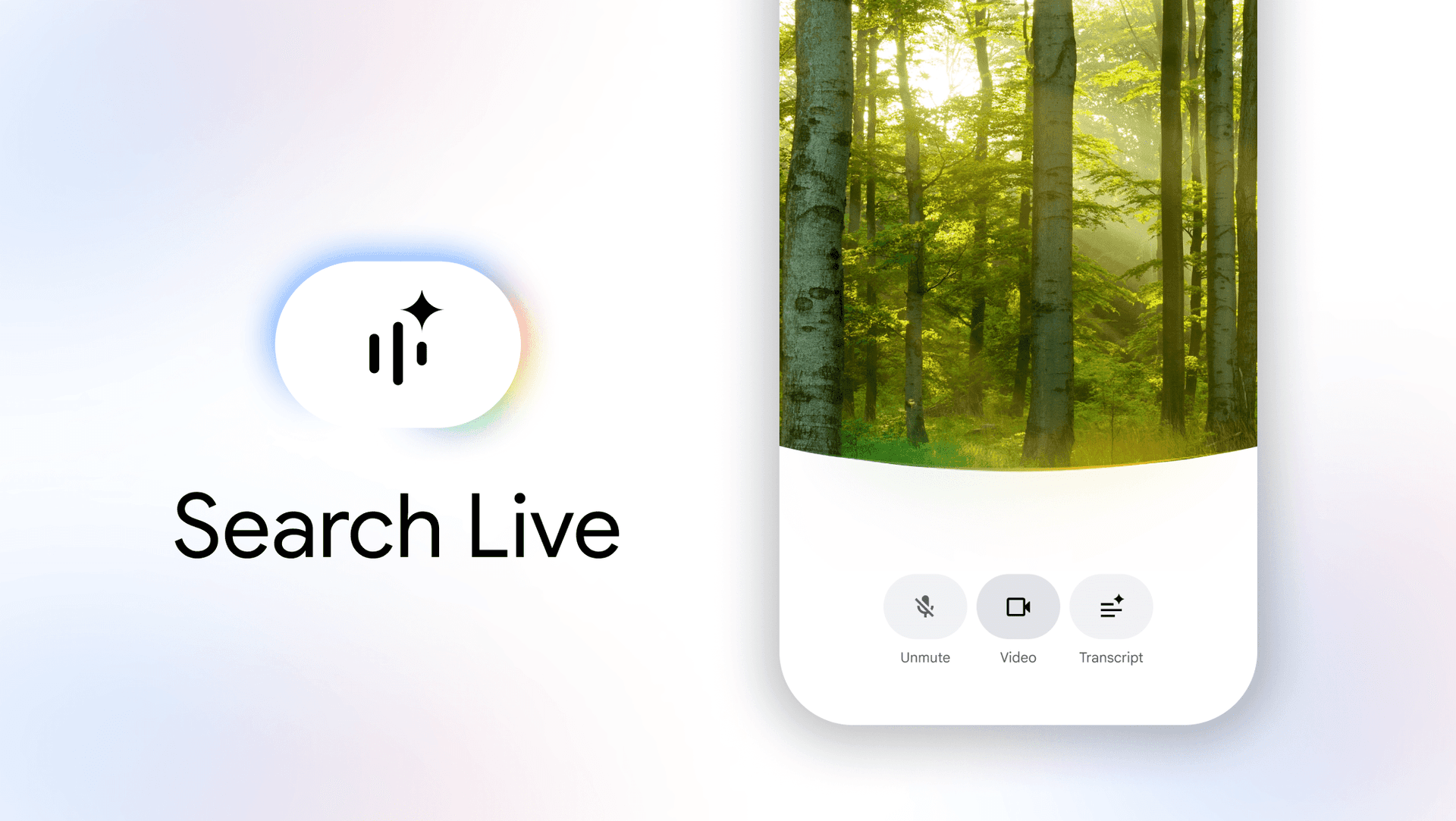
Google Search Live is transforming how people search by combining voice, camera, and conversational AI into a single unified experience. Now available in over 200 countries and dozens of languages, this AI-powered search assistant lets you point your phone's camera at anything and ask questions aloud, receiving instant audio responses powered by Google's latest Gemini models. This global expansion marks a significant shift toward more natural, multimodal search interactions that work across language barriers.

What's New in Google Search Live

Google's Search Live has evolved from a US-only feature into a truly global AI search assistant. The latest expansion brings substantial improvements to how people interact with search across different languages and regions.

  • Multilingual voice support: Now handles conversations in dozens of languages, enabling users worldwide to search in their native language with natural voice input
  • Camera-based visual search: Point your phone's camera at any object, text, or scene and ask questions about it, receiving contextual AI-powered answers
  • Conversational audio responses: The AI assistant responds verbally with relevant information, eliminating the need to read search results
  • Powered by Gemini 3.1 Flash Live: Google's latest AI model delivers faster processing and more accurate multilingual understanding
  • 200+ country availability: Expanded from limited regional access to near-global coverage, making the tool accessible to billions of users
  • Real-time web integration: Combines live camera input with current web data to provide up-to-date, contextual answers

Technical Specifications

Search Live operates on a sophisticated multimodal architecture designed for real-time processing across diverse languages and devices.

  • AI Model: Powered by Gemini 3.1 Flash Live, optimized for low-latency voice and vision processing
  • Language support: Dozens of languages with native speaker-level understanding and response generation
  • Platform availability: Android and web-based access across 200+ countries and territories
  • Processing capability: Real-time camera feed analysis combined with live web search indexing for current information
  • Voice technology: Natural language processing for both input recognition and audio response generation

Official Benefits

  • Instant answers without typing, reducing search time for visual queries by eliminating text input steps
  • Multilingual accessibility enables non-English speakers to search naturally in their preferred language
  • Hands-free operation through voice and camera input, ideal for accessibility and on-the-go usage
  • Real-time visual context understanding allows the AI to interpret what the camera sees and provide relevant information
  • Global availability removes geographic barriers, bringing advanced AI search to users in 200+ countries

Real-World Translation

What Each Feature Actually Means:

  • Multilingual voice support: A Spanish speaker in Mexico can now ask "¿Cómo instalo este estante?" while pointing their camera at a shelving unit, and receive a spoken Spanish response with installation steps. Previously, non-English speakers had to translate queries mentally or use separate translation tools.
  • Camera-based visual search: Instead of trying to describe a plant disease to search for it, a farmer can simply point their phone at the affected plant and ask "What's wrong with this crop?" The AI analyzes the image and provides diagnosis and treatment options instantly.
  • Conversational audio responses: A user driving can ask about restaurant hours by pointing at a storefront, hear the answer spoken aloud, and continue driving without looking at their phone. This eliminates the cognitive load of reading search results while multitasking.
  • Powered by Gemini 3.1 Flash Live: Response times drop from several seconds to near-instantaneous, making the experience feel like talking to a knowledgeable assistant rather than waiting for a search engine.
  • Real-time web integration: A tourist in Tokyo can point their camera at a restaurant sign written in Japanese, ask about reviews and hours, and get current information from the web in their native language within seconds.

Before vs After

Before

Users had to type search queries in English or use separate translation tools, limiting accessibility for non-English speakers. Visual searches required describing objects in text, and results came as text links requiring manual reading. Geographic restrictions meant many users worldwide couldn't access advanced AI search features at all.

After

Users worldwide can search using their voice and camera in dozens of languages, receiving instant spoken answers. The AI understands visual context directly from the camera feed, eliminating the need for text descriptions. Global availability means users in 200+ countries now access the same advanced AI search capabilities.

📈 Expected Impact: Users can complete visual and voice searches 3-5x faster while accessing information in their native language, dramatically improving search accessibility and speed globally.

Job Relevance Analysis

Language Translator

HIGH Impact
  • Use Case: Translators use Search Live to verify terminology, context, and cultural nuances by pointing their camera at source materials and asking questions in target languages, accelerating research during translation projects
  • Key Benefit: Real-time multilingual voice and camera input eliminates the need to switch between translation tools, dictionaries, and search engines, consolidating workflow into a single AI assistant
  • Workflow Integration: During document translation, translators can photograph unfamiliar terms or concepts and ask clarifying questions in their working languages, receiving instant context-aware responses
  • Skill Development: Exposure to how AI handles multilingual nuance helps translators understand AI translation capabilities and limitations, informing their professional practice
  • Competitive Advantage: Translators who master Search Live's multilingual capabilities can work faster and more accurately, particularly on technical or specialized content requiring visual reference
Language Translator

Discover curated AI tools with practical use cases for Language Translator. Evaluate capabilities & cost; to boost productivity. Choose smarter—see the tools.

2,809 Tools
Language Translator

AI Researcher

HIGH Impact
  • Use Case: AI researchers use Search Live to study how multimodal AI models handle real-world visual and conversational queries, gathering data on model performance across languages and use cases
  • Key Benefit: Direct access to Gemini 3.1 Flash Live's behavior in production environments provides researchers with practical insights into how state-of-the-art models perform on complex multimodal tasks
  • Workflow Integration: Researchers can document edge cases, multilingual understanding gaps, and visual recognition limitations by systematically testing Search Live across different scenarios and languages
  • Skill Development: Hands-on experience with production-grade multimodal AI systems informs research on model architecture, language understanding, and vision-language integration
  • Research Applications: Data gathered from Search Live usage patterns helps researchers understand how users interact with conversational AI, informing future model design and improvement
AI Researcher

Advance innovation with AI tools for academic research, data analysis, knowledge representation, decision-making, and AI-powered chatbots.

6,692 Tools
AI Researcher

Voiceover Artist

MEDIUM Impact
  • Use Case: Voiceover artists use Search Live to research pronunciation, context, and cultural accuracy for multilingual projects by pointing cameras at scripts or reference materials and asking clarifying questions
  • Key Benefit: The AI's audio responses provide reference pronunciations and contextual understanding in dozens of languages, helping artists deliver authentic multilingual voiceovers
  • Workflow Integration: During pre-production research, artists can quickly gather pronunciation guides and cultural context by asking Search Live questions about unfamiliar terms or cultural references
  • Skill Development: Exposure to how AI generates natural-sounding multilingual responses helps voiceover artists understand current AI voice capabilities and how their work compares to AI-generated alternatives
  • Professional Relevance: Understanding Search Live's voice capabilities helps artists position themselves in an AI-augmented market and identify where human voiceover work remains irreplaceable
Voiceover Artist

Enhance your voiceover requirements with AIs for voice generation, voiceovers, audio cleanup, and audio replication for artistic and business applications.

2,663 Tools
Voiceover Artist

Getting Started

How to Access

  1. Open Google Search on your Android device or visit Google Search on the web
  2. Look for the Search Live icon (typically a microphone or camera symbol in the search bar)
  3. Grant camera and microphone permissions when prompted
  4. Select your preferred language from the settings menu
  5. Start searching by pointing your camera or speaking your query

Quick Start Guide

For Beginners:

  1. Open Google Search and tap the Search Live icon to activate camera mode
  2. Point your phone's camera at an object you want to know about (a plant, product, sign, or scene)
  3. Tap the microphone icon and ask your question aloud in your native language
  4. Wait for the AI to analyze the image and provide a spoken response with relevant web links

For Power Users:

  1. Customize language preferences in Search Live settings to match your workflow needs
  2. Use follow-up voice questions to refine results without restarting the search
  3. Combine camera input with voice queries for complex searches (e.g., point at a recipe and ask "What substitutes work for this ingredient?")
  4. Integrate Search Live into research workflows by systematically documenting visual queries and AI responses
  5. Experiment with edge cases and multilingual queries to understand model capabilities and limitations

Pro Tips

  • Lighting matters: Ensure adequate lighting when using camera search for best visual recognition accuracy
  • Speak naturally: Use conversational language in your voice queries rather than formal search terms for better AI understanding
  • Follow up efficiently: Ask clarifying questions without restarting the search to maintain context and save time
  • Test multilingual capabilities: Try Search Live in different languages to discover which languages provide the most natural responses for your use case
  • Combine modalities: Use both camera and voice together for complex queries that benefit from visual context and spoken clarification

Getting Started

How to Access

  1. Open Google Search on your Android device or visit Google Search on the web
  2. Look for the Search Live icon (typically a microphone or camera symbol in the search bar)
  3. Grant camera and microphone permissions when prompted
  4. Select your preferred language from the settings menu
  5. Start searching by pointing your camera or speaking your query

Quick Start Guide

For Beginners:

  1. Open Google Search and tap the Search Live icon to activate camera mode
  2. Point your phone's camera at an object you want to know about (a plant, product, sign, or scene)
  3. Tap the microphone icon and ask your question aloud in your native language
  4. Wait for the AI to analyze the image and provide a spoken response with relevant web links

For Power Users:

  1. Customize language preferences in Search Live settings to match your workflow needs
  2. Use follow-up voice questions to refine results without restarting the search
  3. Combine camera input with voice queries for complex searches (e.g., point at a recipe and ask "What substitutes work for this ingredient?")
  4. Integrate Search Live into research workflows by systematically documenting visual queries and AI responses
  5. Experiment with edge cases and multilingual queries to understand model capabilities and limitations

Pro Tips

  • Lighting matters: Ensure adequate lighting when using camera search for best visual recognition accuracy
  • Speak naturally: Use conversational language in your voice queries rather than formal search terms for better AI understanding
  • Follow up efficiently: Ask clarifying questions without restarting the search to maintain context and save time
  • Test multilingual capabilities: Try Search Live in different languages to discover which languages provide the most natural responses for your use case
  • Combine modalities: Use both camera and voice together for complex queries that benefit from visual context and spoken clarification

FAQ

Related Topics

Google Search Live reviewAI voice searchmultimodal AI search enginevisual AI search assistant

Table of contents

What's New in Google Search LiveTechnical SpecificationsOfficial BenefitsReal-World TranslationJob Relevance AnalysisGetting StartedGetting StartedFAQ
Impact LevelHIGH
Update ReleasedMarch 13, 2025

Best for

AI ResearcherVoiceover ArtistLanguage Translator

Related Use Cases

AI Chatbot ToolsAI Search EnginesAI Social Media Chatbots

Related Articles

Gemini Switching Tools: Import Chats from Other AI Chatbots
Cohere Transcribe: Open Source Speech Recognition for Edge
Mistral Voxtral TTS Review: Open-Weight Voice Generation
All AI Spotlights

Editor's Pick Articles

Gemini Switching Tools: Import Chats from Other AI Chatbots
Google TurboQuant: AI Memory Compression Review
AI's Future: Open and Proprietary Models
All Articles
Special offer for AI Owners – 50% OFF Promotional Plans

Join Our Community

Get the earliest access to hand-picked content weekly for free.

Spam-free guaranteed! Only insights.

Follow Us on Socials

Don't Miss AI Topics

ai art generatorai voice generatorai text generatorai avatar generatorai designai writing assistantai audio generatorai content generatorai dubbingai graphic designai banner generatorai in dropshipping

AI Spotlights

Unleashing Today's trailblazer, this week's game-changers, and this month's legends in AI. Dive in and discover tools that matter.

All AI Spotlights
Gemini Switching Tools: Import Chats from Other AI Chatbots

Gemini Switching Tools: Import Chats from Other AI Chatbots

Cohere Transcribe: Open Source Speech Recognition for Edge

Cohere Transcribe: Open Source Speech Recognition for Edge

Mistral Voxtral TTS Review: Open-Weight Voice Generation

Mistral Voxtral TTS Review: Open-Weight Voice Generation

Suno v5.5 Review: AI Music with Voice Cloning

Suno v5.5 Review: AI Music with Voice Cloning

Attie Review: AI-Powered Custom Feed Builder

Attie Review: AI-Powered Custom Feed Builder

Google TurboQuant: AI Memory Compression Review

Google TurboQuant: AI Memory Compression Review

Claude Computer Control: AI Agent Review

Claude Computer Control: AI Agent Review

Claude Code Auto Mode: AI Coding Without Disasters

Claude Code Auto Mode: AI Coding Without Disasters

AI2's Computer Use Agent: Open Source Automation

AI2's Computer Use Agent: Open Source Automation

Google TV Gemini Features: AI Sports Updates & Visual Responses

Google TV Gemini Features: AI Sports Updates & Visual Responses

OpenAI Teen Safety Tools: Developer Guide

OpenAI Teen Safety Tools: Developer Guide

Talat AI Meeting Notes Review: Local-First Privacy

Talat AI Meeting Notes Review: Local-First Privacy

GitAgent Review: Docker for AI Agents

GitAgent Review: Docker for AI Agents

Nvidia OpenClaw Strategy: Enterprise AI Framework

Nvidia OpenClaw Strategy: Enterprise AI Framework

Nemotron-Cascade 2: NVIDIA's 30B MoE Model

Nemotron-Cascade 2: NVIDIA's 30B MoE Model

Google Colab MCP Server: AI Agents Meet Cloud GPUs

Google Colab MCP Server: AI Agents Meet Cloud GPUs

Qianfan-OCR Review: Unified Document AI Model

Qianfan-OCR Review: Unified Document AI Model

Nvidia Data Factory: Physical AI Revolution

Nvidia Data Factory: Physical AI Revolution

OpenClaw Security Framework: Protecting AI Agents

OpenClaw Security Framework: Protecting AI Agents

You Might Like These Latest News

All AI News

Stay informed with the latest AI news, breakthroughs, trends, and updates shaping the future of artificial intelligence.

AI Data Centers Face Global Backlash

Mar 29, 2026
AI Data Centers Face Global Backlash

SoftBank's $40B Loan Signals OpenAI IPO in 2026

Mar 29, 2026
SoftBank's $40B Loan Signals OpenAI IPO in 2026

Wikipedia Cracks Down on AI-Generated Article Writing

Mar 29, 2026
Wikipedia Cracks Down on AI-Generated Article Writing

Journalists Using AI Agents to Report and Edit Stories

Mar 29, 2026
Journalists Using AI Agents to Report and Edit Stories

Judge Blocks Trump's AI Risk Label for Anthropic

Mar 29, 2026
Judge Blocks Trump's AI Risk Label for Anthropic

Senate Demands Data Center Power Usage Transparency

Mar 29, 2026
Senate Demands Data Center Power Usage Transparency

NeurIPS Reverses Policy After Chinese Researcher Backlash

Mar 29, 2026
NeurIPS Reverses Policy After Chinese Researcher Backlash

Stanford Study Reveals AI Chatbot Risks

Mar 29, 2026
Stanford Study Reveals AI Chatbot Risks

Harvey AI Legal Tech Hits $11B Valuation

Mar 26, 2026
Harvey AI Legal Tech Hits $11B Valuation
Tools of The Day

Tools of The Day

Discover the top AI tools handpicked daily by our editors to help you stay ahead with the latest and most innovative solutions.


10MAR
Adobe Illustrator
Adobe Illustrator
9MAR
Adobe Firefly
Adobe Firefly
8MAR
Adobe Sensei
Adobe Sensei
7MAR
Adobe Photoshop
Adobe Photoshop
6MAR
Adobe Firefly
Adobe Firefly
5MAR
Shap-E
Shap-E
4MAR
Point-E
Point-E

Explore AI Tools of The Day