
Join Our Community










Get the earliest access to hand-picked content weekly for free.
Spam-free guaranteed! Only insights.
Join Our Community
Get the earliest access to hand-picked content weekly for free.
Spam-free guaranteed! Only insights.
🎯 Quick Impact Summary
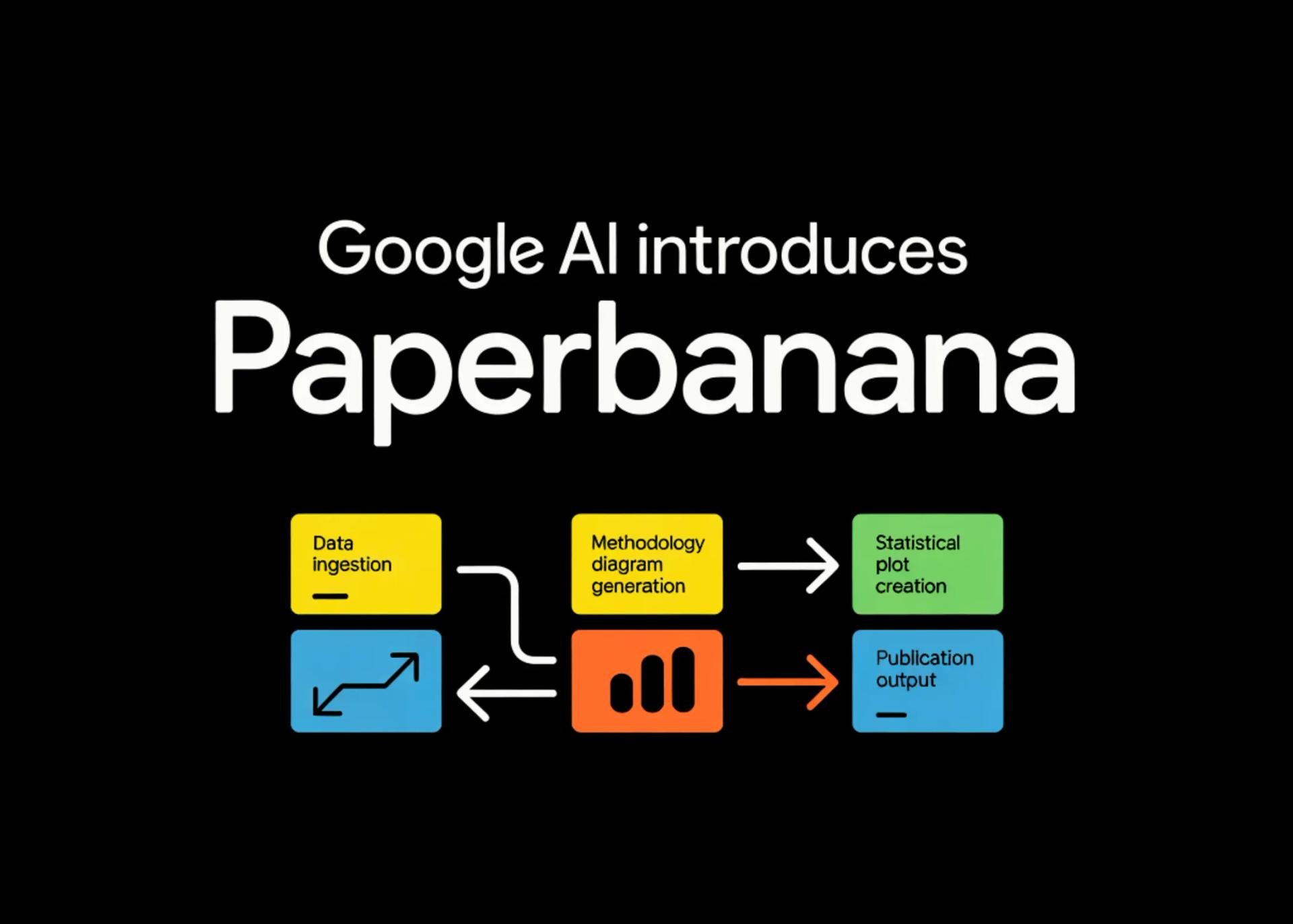
PaperBanana is an agentic framework developed by Google AI designed to automate the creation of publication-ready methodology diagrams and statistical plots. It solves the tedious and time-consuming process of generating complex visualizations required for academic papers and technical reports. The tool is primarily designed for researchers, data scientists, and students who need to produce high-quality figures quickly and consistently. By leveraging AI agents, it streamlines the visualization workflow, ensuring accuracy and saving significant manual effort.
PaperBanana offers a suite of features tailored for scientific visualization. Its core capability is the automated generation of methodology diagrams, such as flowcharts and architecture overviews, from textual descriptions or code. Users can input a paragraph describing their process, and the framework constructs a structured diagram. For statistical plots, it supports a wide range of chart types including bar graphs, line plots, scatter plots, and distribution charts, automatically handling data parsing and aesthetic optimization.
A unique selling point is its adherence to publication standards. PaperBanana ensures that all generated figures meet the formatting requirements of major academic venues (e.g., IEEE, ACM, NeurIPS), including font sizes, line weights, and color schemes suitable for both print and digital formats. The tool also provides customization options, allowing users to fine-tune generated visuals. Unlike manual tools like Matplotlib or R's ggplot2, which require extensive coding, PaperBanana operates on a high-level, intent-based interface.
The framework utilizes a multi-agent system powered by large language models (LLMs) and vision models. When a user provides input—whether it's a dataset, a textual description of a process, or raw code—the system decomposes the task into sub-tasks handled by specialized agents. One agent interprets the statistical data and selects the appropriate plot type, while another focuses on the semantic layout of methodology diagrams.
These agents interact with a code execution environment (like Python with libraries such as Matplotlib and Seaborn) to generate the visual assets. The system iteratively refines the output based on visual feedback and user constraints. This agentic approach allows for complex reasoning, such as inferring the correct statistical test to visualize or arranging a multi-step process into a coherent flowchart. The technology is integrated into the broader Google AI ecosystem, leveraging models like PaLM or Gemini for natural language understanding.
PaperBanana is invaluable in several real-world scenarios. For academic researchers, it can rapidly generate figures for a manuscript draft, allowing them to focus on analysis rather than plotting. A data scientist could use it to create quick visualizations for an exploratory data analysis (EDA) report, saving hours of coding time. In educational settings, instructors can use it to create teaching materials with consistent, high-quality diagrams.
Another specific use case is in collaborative environments. Teams can standardize their visual output, ensuring that all figures in a shared document or presentation follow the same style guide. For grant proposals, where visual impact is crucial, PaperBanana can quickly produce compelling figures that communicate complex methodologies to reviewers. It is particularly useful for those who are not proficient in programming but need sophisticated plots, bridging the gap between conceptual understanding and visual execution.
As of its introduction, PaperBanana is a research framework from Google AI. It is not yet a commercial product with a standard pricing model. Typically, Google AI research tools are released as open-source code or through research previews. Users can likely access it via Google Colab or through a dedicated GitHub repository. There is no information regarding a freemium or enterprise tier at this stage.
For those looking for similar capabilities with established pricing, alternatives like Plotly Chart Studio (freemium) or Tableau (paid) offer visualization services. However, PaperBanana’s value proposition lies in its automation and integration with the Google AI stack. If it becomes a commercial product, it might follow a usage-based model similar to other Google Cloud AI services, charging per generation or API call.
Pros: * Time Efficiency: Drastically reduces the time spent on creating complex figures. * Standardization: Enforces publication-ready formatting automatically. * Accessibility: Lowers the barrier for non-coders to create professional statistical plots. * Integration: Seamlessly works with Python code and data formats common in research.
Cons: * Research Stage: As a new framework, it may lack the stability and extensive documentation of mature tools. * Limited Customization: While customizable, it might not offer the granular control that manual coding provides for highly specific needs. * Dependency: Reliance on Google’s models and infrastructure.
Who Should Use It: PaperBanana is ideal for academic researchers, PhD students, and data analysts who need to produce high-quality figures efficiently. It is also suitable for technical writers and educators who require consistent visual aids. However, professional graphic designers seeking pixel-perfect, artistic control might prefer dedicated design software.
FAQ
AI Spotlights
Unleashing Today's trailblazer, this week's game-changers, and this month's legends in AI. Dive in and discover tools that matter.

Claude Fable 5 Review: Mythos Power with Safety

Gemma 4 12B Review: Multimodal AI on Your Laptop

Google Dreambeans Review: AI Cartoon Stories

NVIDIA Nemotron 3 Ultra: 550B MoE LLM Review

Meta AI Agent for Enterprises: Global Launch

Gemini Omni and 3.5: Google's Latest AI Models

Step 3.7 Flash Review: 198B MoE Vision-Language Model

Gemini Spark Review: Google's AI Agent Goes Personal

Microsoft Agent Governance Toolkit Review

Gemini Spark AI Agent Review: Always-On Automation

MAI-Thinking-1 Review: Microsoft's Advanced Reasoning AI

Microsoft Scout Review: OpenClaw-Powered AI Assistant

Microsoft MDASH Review: 100+ AI Agents for Threat Hunting

Google Phone App Fake Call Detection Review

Stable Audio 3 Review: Fast AI Audio Generation

Claude Opus 4.8: Dynamic Workflows & Faster AI

Microsoft 365 Copilot Redesign: 2x Speed Boost

Perplexity Bumblebee: AI Supply Chain Security Scanner

AWS OpenSearch Serverless Review: Enterprise Search Reimagined

OSCAR: 2-Bit KV Cache Quantization for LLMs
You Might Like These Latest News
All AI NewsStay informed with the latest AI news, breakthroughs, trends, and updates shaping the future of artificial intelligence.
Microsoft Patches Zero-Day After Researcher Disclosure
Jun 10, 2026
NVIDIA GPUs Power Apple's Private Cloud Compute Expansion
Jun 10, 2026
GM Launches Vehicle-to-Grid Tech to Power AI Data Centers
Jun 10, 2026
Alphabet's $85B AI Investment Signals Major Shift
Jun 5, 2026
AI Cognitive Fatigue: Work Smarter, Not Harder
Jun 5, 2026
Nvidia Unveils Physical AI Research with Cosmos 3
Jun 5, 2026
Airbnb CEO Launches AI Lab to Build Custom LLMs
Jun 5, 2026
Anthropic's IPO Filing Balances Growth With Responsible AI
Jun 3, 2026
Meta's AI Chatbot Exploited to Hijack Instagram Accounts
Jun 3, 2026

Discover the top AI tools handpicked daily by our editors to help you stay ahead with the latest and most innovative solutions.



















