Join Our Community










Get the earliest access to hand-picked content weekly for free.
Spam-free guaranteed! Only insights.
Join Our Community
Get the earliest access to hand-picked content weekly for free.
Spam-free guaranteed! Only insights.

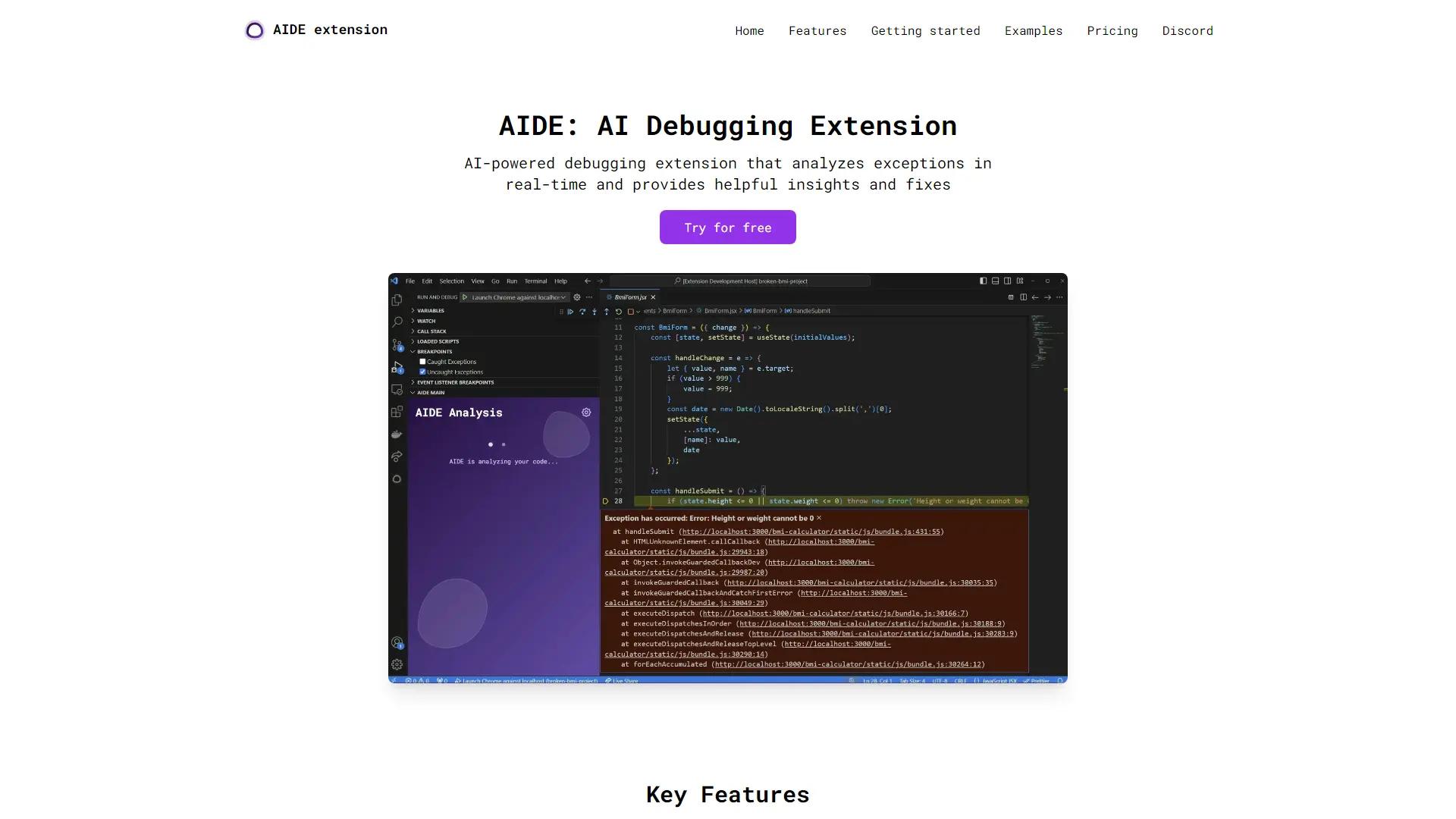
Boost your coding with AIDE, the AI debugging extension for Visual Studio Code. Quickly understand exceptions and get clear solutions in TypeScript & JavaScript.
Discover alternative AI tools similar to AIDE extension that may better suit your needs.

AI Conversation Revolution: ChatGPT's Actionable Insights & Automation Power

AI Chatbot Revolutionizes Development: Introducing GitHub Copilot Chat
Explore professional roles that benefit from using AIDE extension.