
🎯 KEY TAKEAWAY
If you only take one thing from this, make it these.
Hide
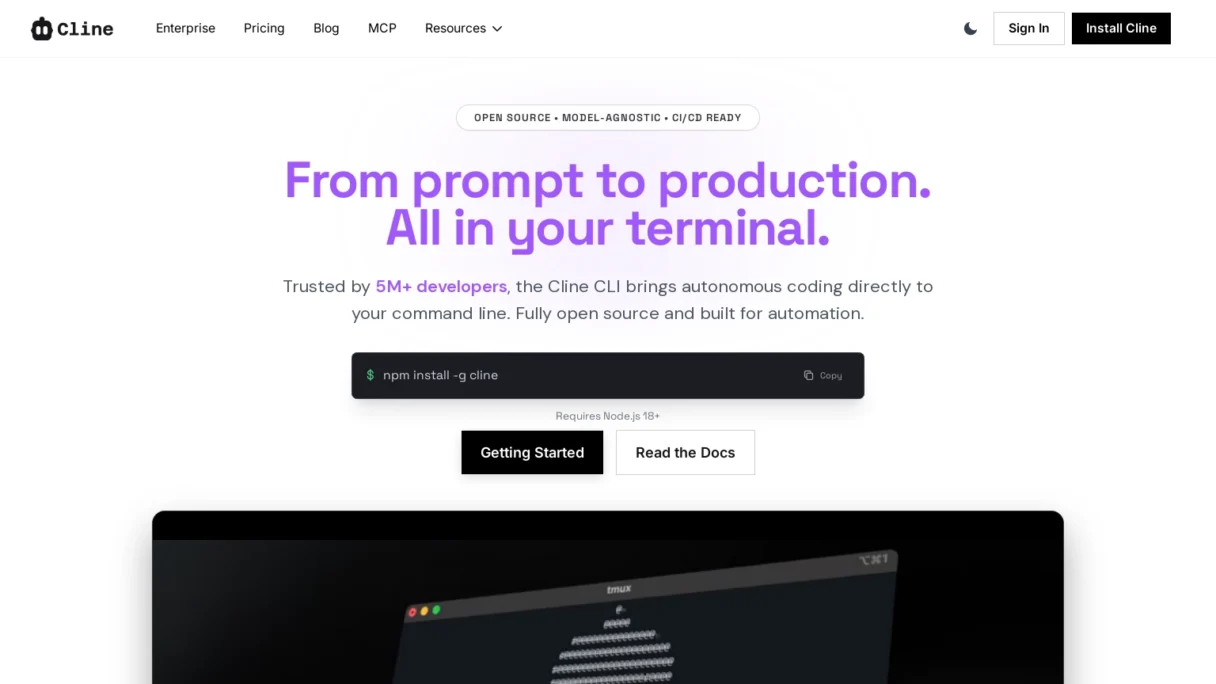
- Cline CLI is a free, open-source autonomous coding agent that runs in your terminal.
- It can execute shell commands, read/write files, and integrate with external tools via MCP servers.
- Best suited for developers comfortable with the CLI who want to automate complex tasks and debugging.
- Users incur costs from underlying LLM APIs (e.g., OpenAI, Anthropic), but the tool itself is free.
- Offers a high degree of control with an approval-based execution model to ensure safety.
Cline CLI is an autonomous coding agent designed to operate directly within your terminal, bringing the power of AI-assisted development to the command line. Unlike traditional IDE extensions that are confined to a specific editor, Cline works across your entire file system, executing shell commands and automating complex development workflows. It is built for developers, DevOps engineers, and technical teams who want to streamline repetitive tasks, automate debugging, and accelerate project setup without leaving their terminal environment. The key benefits include deep system integration, the ability to perform multi-step reasoning tasks, and the flexibility to adapt to any tech stack or local environment.
Key Features and Capabilities
Cline CLI distinguishes itself with a robust set of features tailored for terminal-based workflows. Its core capability is autonomous task execution, where the AI can interpret a high-level goal such as “fix the failing tests in this directory” or “set up a new React project with Tailwind” and break it down into a series of actionable steps. This includes reading and writing files, running shell commands, and using browser tools to verify web-based outputs.
A standout feature is its MCP (Model Context Protocol) server integration. This allows Cline to connect with external tools and services, extending its functionality beyond the local machine. For example, it can interact with databases, cloud platforms, or specific APIs to perform tasks like deploying an application or querying logs. The tool also provides a visual interface within the terminal to track its thought process, showing the user exactly what commands it intends to run before execution, which adds a crucial layer of transparency and control.
How It Works / Technology Behind It
At its heart, Cline CLI acts as an intelligent wrapper around large language models (LLMs) like GPT-4 or Claude, but with a specialized focus on agentic behavior. When a user provides a prompt, Cline doesn’t just generate code; it formulates a plan. It uses a combination of file system access, shell command execution, and context retrieval to understand the project’s state.
The technology relies on a permission-based system. Before executing any command that modifies files or runs shell scripts, Cline requests user approval. This “human-in-the-loop” approach ensures safety and prevents unintended changes. Once approved, it can navigate complex codebases, identify relevant context (like specific functions or configuration files), and implement changes. Its ability to run terminal commands means it can install packages, manage version control (git), and even spin up local servers for testing, making it a fully-fledged development partner rather than just a code generator.
Use Cases and Practical Applications
Cline CLI excels in several real-world scenarios. For rapid prototyping, a developer can describe a feature, and Cline will scaffold the necessary files, install dependencies, and write the initial boilerplate code. In debugging, it can be tasked with analyzing error logs, tracing code execution, and proposing fixes, significantly reducing the time spent on troubleshooting.
Another powerful application is in DevOps and automation. Teams can use Cline to automate repetitive tasks like updating configuration files across multiple projects, generating documentation, or managing infrastructure-as-code scripts. For instance, a user could instruct Cline to “audit all Dockerfiles in this repository for security vulnerabilities and suggest improvements,” and it would systematically scan, analyze, and report back. This makes it an invaluable tool for maintaining code quality and operational efficiency.
Pricing and Plans
Cline CLI is an open-source tool available for free, which is a significant advantage for individual developers and small teams. The primary cost associated with its use is the API token from the underlying LLM provider (e.g., OpenAI, Anthropic). Users must supply their own API keys, and the usage costs will depend on the frequency of interactions and the complexity of tasks.
For enterprise users or those requiring advanced features, there may be premium tiers or managed services in the future, but the core CLI tool remains accessible to everyone. This model allows developers to leverage powerful AI capabilities without a high subscription fee, paying only for the compute they actually use.
Pros and Cons / Who Should Use It
Pros:
- Deep Integration: Operates directly in the terminal, interacting with the entire system, not just a code editor.
- Autonomous Workflow: Can handle multi-step tasks, reducing manual intervention.
- Open Source: Free to use, with a growing community and transparent development.
- Flexible: Works with any tech stack and can integrate with external tools via MCP.
Cons:
- Requires API Costs: While the tool is free, users must pay for LLM API usage.
- Learning Curve: Understanding how to craft effective prompts for autonomous agents takes practice.
- Safety Concerns: Granting terminal access requires trust; users must be cautious with approvals.
Who Should Use It?
Cline CLI is ideal for experienced developers, full-stack engineers, and DevOps professionals who are comfortable with the command line and want to automate complex workflows. It’s less suitable for beginners who might prefer a guided GUI-based tool, but for those looking to supercharge their terminal productivity, Cline offers unparalleled flexibility.
FAQ
Is Cline CLI free to use?
Yes, Cline CLI is an open-source tool and is completely free to download and use. However, you will need to provide your own API keys for the underlying large language models (like GPT-4 or Claude), and you will be billed directly by those providers based on your usage.
How does Cline CLI differ from GitHub Copilot or Cursor?
While tools like GitHub Copilot focus on code completion within an IDE, Cline CLI operates at the terminal level with autonomous capabilities. It can run shell commands, manage files across the system, and execute multi-step workflows, making it more akin to a general-purpose AI agent rather than just a coding assistant.
What are the main limitations of Cline CLI?
Cline requires user approval for most actions, which can slow down some workflows. It also depends on the quality of the underlying LLM, and complex tasks may require multiple iterations. Additionally, its terminal-based nature might not be ideal for developers who prefer a graphical interface.
Can Cline CLI work with any programming language or framework?
Yes, because it operates at the file system and shell level, Cline is language-agnostic. It can work with any tech stack as long as it can be managed through files and commands, from web development (React, Python) to DevOps (Docker, Kubernetes).
What kind of support is available for Cline CLI?
As an open-source project, support primarily comes from the community via GitHub issues and discussions. There is also documentation available to help users get started and understand its features.
Are there good alternatives to Cline CLI?
Alternatives include Cursor (an AI-powered IDE), GitHub Copilot (code completion), and Devin (an autonomous AI engineer). However, Cline’s unique selling point is its terminal-first, open-source approach, which offers more flexibility for system-level automation compared to IDE-bound tools.














 https://ageofai.tools/u/
How would you rate Cline CLI: Breakthrough AI-Powered Command Line Tool?